Does Google Maps Work in Korea? What Tourists Should Use Instead
Google Maps does work in Korea, but it is still a good idea not to rely on it as your only navigation app. If you are visiting Seoul, Busan, Jeju or anywhere else in South Korea, downloading NAVER Map before your trip can make getting around much easier.
Does Google Maps Work in Korea Right Now?
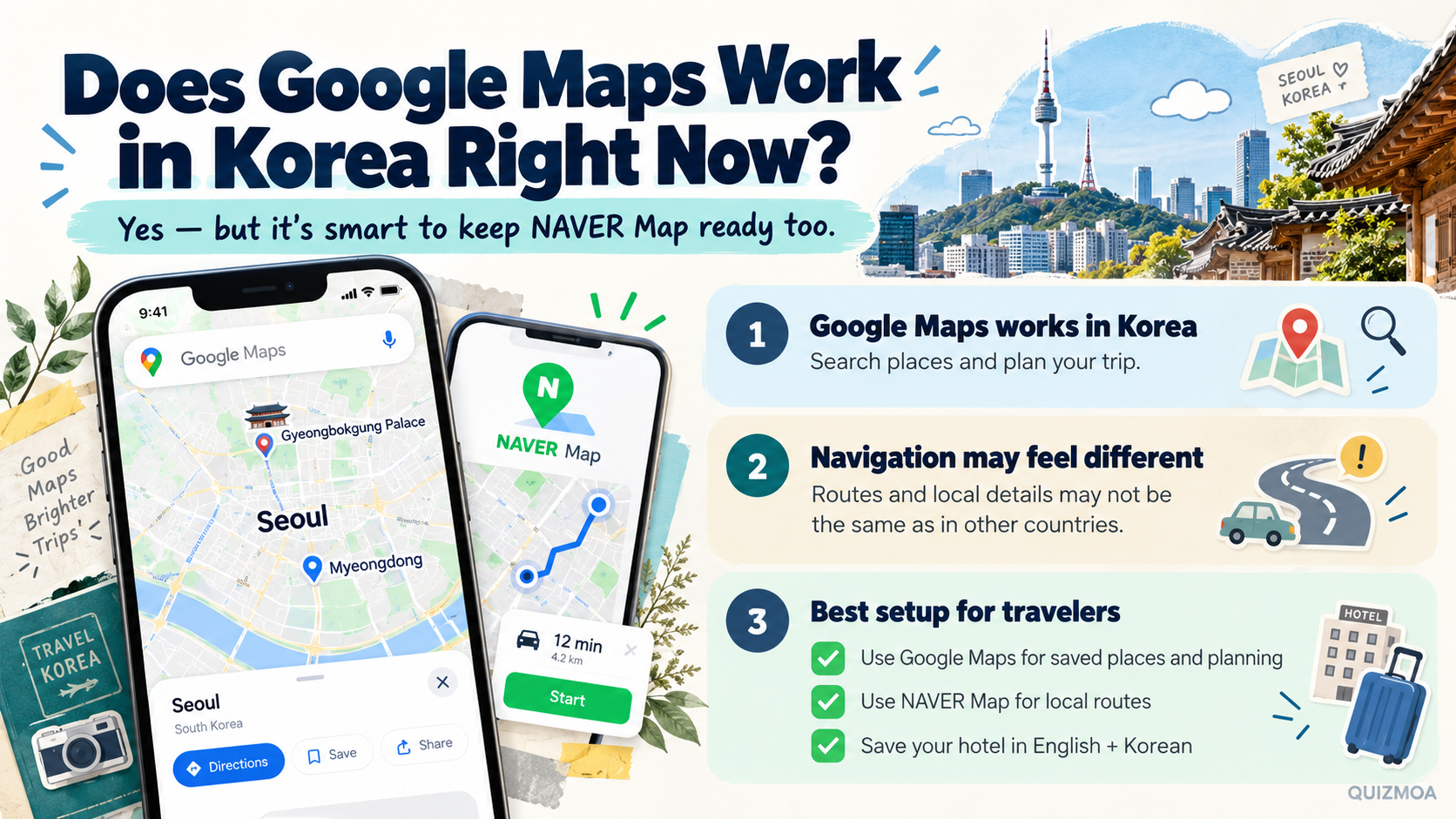
Yes, you can open Google Maps in Korea, search for places and use it for general trip planning. The navigation experience, however, may not always feel the same as what you are used to in the United States, Canada, the UK or Australia.
South Korea conditionally approved Google's request to export high-precision map data in February 2026. That was a major change, but regulatory approval does not mean every navigation feature changes immediately for travelers.
For a trip happening now, it is still smart to have a Korean map app installed as well. NAVER Map is widely used in Korea for walking routes, public transportation and finding local businesses.
Before arriving, set up your phone like this.
① Google Maps for saved places, reviews and general trip planning
② NAVER Map for local navigation and public transportation
③ Hotel name and address saved in both English and Korean
If you have not installed NAVER Map yet, opening it before your trip lets you check whether your hotel and first destinations appear correctly.
This is especially useful in Seoul, where choosing the correct subway exit can matter almost as much as choosing the correct station. Large stations can have many exits leading to completely different streets.
If you arrive with only Google Maps, you do not need to change your entire travel plan. Keep using it for saved places and add NAVER Map when you need more detailed local navigation.
How to Use NAVER Map in English in Korea
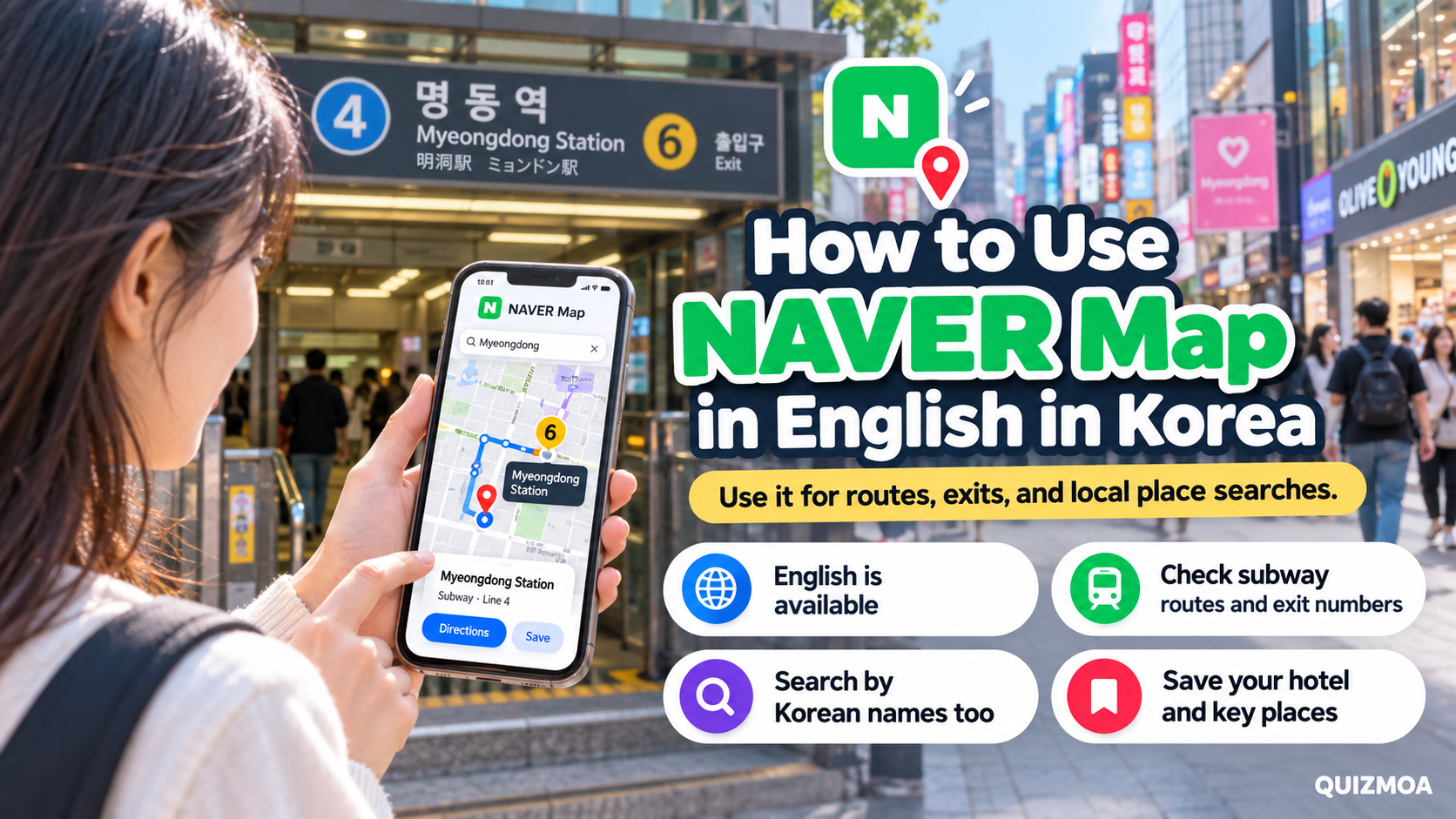
NAVER Map supports English, making it much easier for international visitors to search for attractions, restaurants, subway stations and accommodation.
After installing the app, search for your hotel first. Then save several places you already know you will visit so you do not have to search for everything again while standing on the street.
For example, if you are staying in Myeongdong and visiting Gyeongbokgung Palace the next morning, save both locations before leaving your hotel.
When checking a subway route, pay attention to the exit number. Using the wrong exit at a large station can leave you several blocks away from the place you actually want to visit.
Another useful trick is searching with the Korean name when an English place name does not give you the result you want.
For example, Gyeongbokgung Palace can also be searched as 경복궁. You can copy a Korean name from a hotel page, restaurant page or translation app and paste it into NAVER Map.
If you want to test this before your flight, search for your accommodation and one attraction now and save both locations.
Keeping the Korean version of your hotel's name and address is also useful when taking a taxi. A screenshot can still be shown to the driver even if your mobile data is temporarily unavailable.
NAVER Map is useful for more than directions. You can also use it to check nearby restaurants, cafés, subway stations and other local businesses while traveling.
When Google Maps Is Still Useful in Korea
You do not need to stop using Google Maps just because you are traveling to Korea. It remains useful for planning your itinerary, saving attractions and checking places you found before your trip.
A practical approach is to give each app a different job. Use Google Maps while planning and use NAVER Map when you need detailed local navigation in Korea.
Google Maps is also convenient if you already have dozens of restaurants, hotels and attractions saved to your account. There is no reason to recreate your entire travel list in another app.
If a place is difficult to find because the name is written only in Korean, keeping Papago on your phone can help. Translate or copy the Korean name and paste it into your map app.
Before flying to Korea, save your accommodation in English and Korean, install NAVER Map and take a screenshot of the hotel's Korean address and phone number.
This setup gives you several options if one app cannot find a destination or your internet connection is temporarily unavailable.
So, does Google Maps work in Korea? Yes. It can still be useful for planning and saved places, but travelers should also keep NAVER Map ready for local navigation once they arrive.
